Orion Blue System Requirements
Minimum and recommended PC specs before you install the demo or full game.
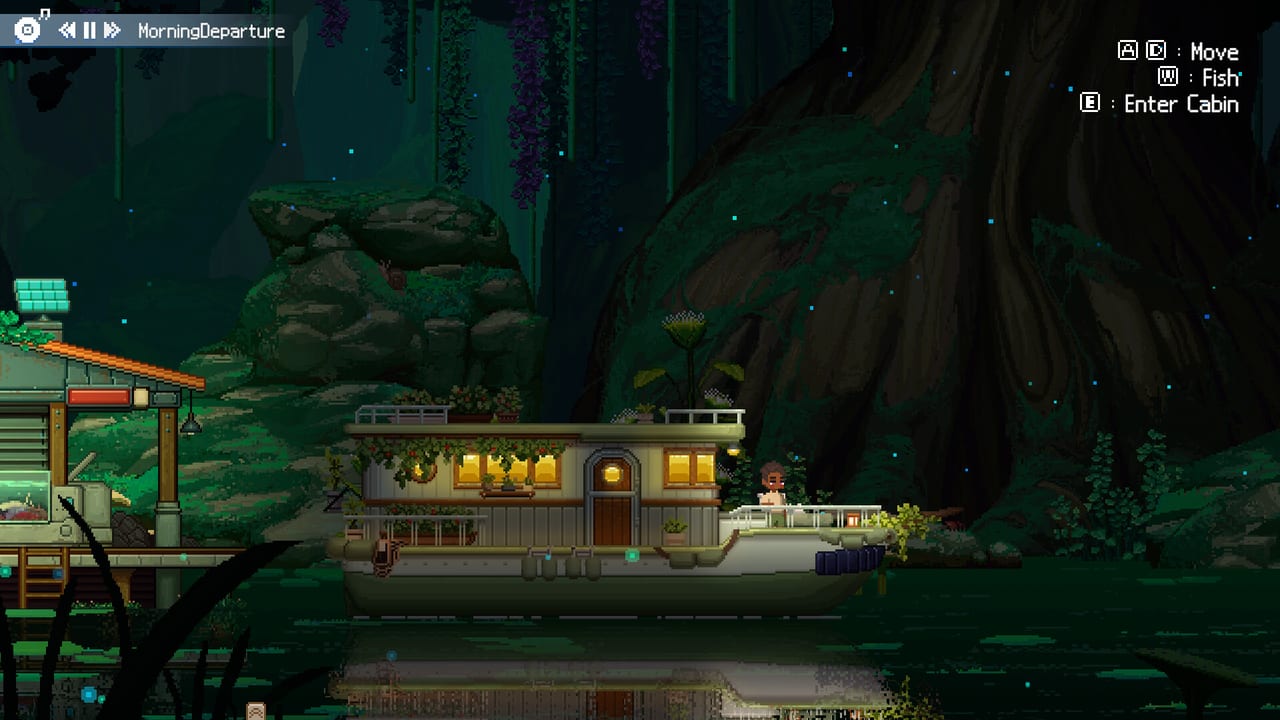
Orion Blue is a lightweight cozy sim, but you should still verify Steam’s published requirements before downloading. Specs below come from the official store page for app 4264000. Pair this page with Getting Started once your machine clears the bar.
Minimum requirements
- OS: Windows 10
- Processor: Intel Core i3
- Memory: 2 GB RAM
- Graphics: OpenGL 3.2+ compatible
- Storage: 2 GB available space
Recommended requirements
- OS: Windows 10 or later
- Processor: Intel Core i5
- Memory: 4 GB RAM
- Graphics: OpenGL 3.2+ compatible
- Storage: 2 GB available space
What these numbers mean in practice
Orion Blue targets gentle pixel presentation and idle-friendly sessions, so the floor is intentionally low. Integrated graphics that expose OpenGL 3.2 should be enough for village walks and fishing. The jump from 2 GB to 4 GB RAM on the recommended tier mainly helps multitasking — exactly the Idle Mode “game on a second monitor while you work” fantasy.
Platform availability
At the time of writing, Orion Blue is a PC Steam release developed and published by EXLIX. Store metadata focuses on Windows. If Mac/Linux Depot support appears later, we will update this page from Steam’s official changes, not rumors. Controller support is already present for play on the couch via PC.
Demo vs full install size
Plan for at least 2 GB free. Keep extra space for Steam shader caches and screenshot folders if you document decorating progress for the crafting guide.
Performance tips for low-spec PCs
- Close heavy browsers while fishing if RAM is near 2 GB.
- Cap framerate in Steam or GPU control panels to reduce heat on laptops.
- Use Simple Fishing if input stutter makes tug-of-war awkward (Controls).
- Prefer Idle Mode during CPU-heavy background work instead of fighting hitching casts.
- Verify game files if textures fail after an incomplete download.
Pre-purchase / pre-download checklist
- Confirm Windows 10+.
- Confirm ~2 GB free SSD/HDD space.
- Update GPU drivers if OpenGL apps have failed before.
- Wishlist the game for launch notification on November 29, 2026.
- Download only through Steam — see scam warnings on Updates and links.
Steam Deck and handhelds
Steam lists full controller support, which is promising for handheld PCs, but official Steam Deck verification can lag for unreleased titles. Expect community reports after launch; we will summarize verified results here without guessing Proton grades early.
After hardware checks
Once you can run the game, follow the Guides Hub, skim the fish tier list, and meet residents via the players hub. Specs get you in the door — the cozy loop keeps you there.
If EXLIX revises requirements on the store page, trust Steam first; this wiki will mirror the change promptly.
Laptop thermal and battery notes
Cozy games invite long sessions. On thin laptops, use a cooler pad if the chassis hits thermal limits while Idle Mode runs for hours. Prefer plugged-in power for the first demo evening so Windows does not throttle the OpenGL path mid-fight. If battery saver caps background FPS too aggressively, whitelist Steam and Orion Blue in power options.
Audio, overlays, and second monitors
Orion Blue’s soundtrack is part of the pitch — ambient, acoustic, tropical, and bossa nova layers. Keep Discord overlay, GPU overlays, and browser hardware acceleration in check if you see hitching on minimum RAM. A second 1080p monitor at 60 Hz is plenty for the companion fantasy; ultrawide is optional, not required.
Comparing similar cozy titles
If your PC already runs other lightweight life sims smoothly, Orion Blue’s published floor should feel familiar. The OpenGL 3.2 line matters more than raw rasterization horsepower. When in doubt, install the free demo first, fish for twenty minutes, enable Idle Mode, and watch Task Manager for sustained RAM and GPU usage before launch day.
Launch-week verification ritual
- Update Windows and GPU drivers a day early.
- Clear at least 4 GB free so Steam updates and screenshots have room.
- Install the demo or preload the full build when Steam allows.
- Confirm controller detection before a couch session.
- Bookmark Updates and this specs page together.
Community reporting after November 29, 2026
We will add measured FPS notes, Deck reports, and any revised Steam tables after launch. Until then, treat the store page as canonical and this guide as a readable mirror with practical advice for cozy players who want zero surprises on install night.
Frequently Asked Questions
Quick answers for demo and launch-week players.
Can Orion Blue run on 2 GB of RAM?
Yes — 2 GB is the official minimum. 4 GB is recommended for comfort, especially with Idle Mode multitasking.
Does Orion Blue need a high-end GPU?
No. An OpenGL 3.2+ compatible GPU is enough according to Steam.
How much storage do I need?
At least 2 GB available space, plus a little extra for caches and screenshots.
Is there a console version?
The announced release is PC via Steam. Watch Updates for any later platform news.